Want to remove website field for comment form screens in WordPress without installing another plugin? The default comment box includes a Website URL input that many visitors never need—and spam bots love to abuse for backlinks.
This guide shows a lightweight PHP filter so you can remove website field for comment form layouts in minutes, keep Name/Email/Comment working, and reduce one common spam incentive.
Why Remove Website Field for Comment Form?
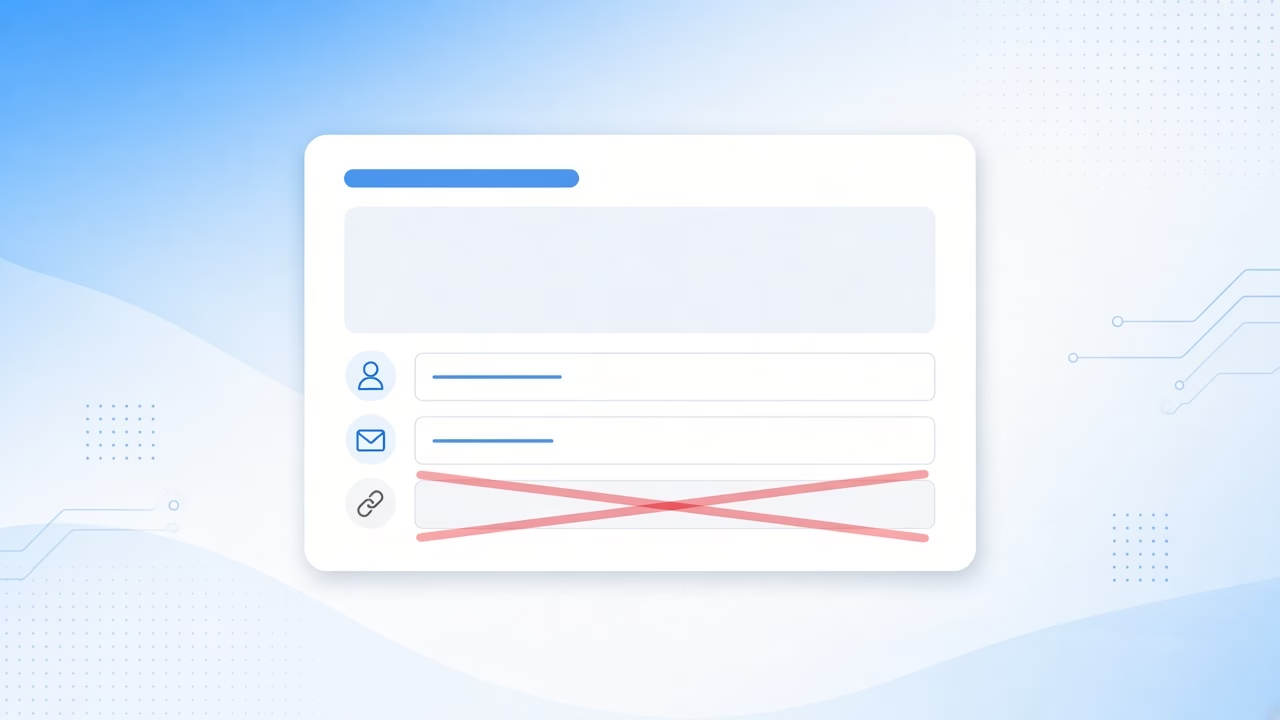
WordPress includes a Website field so commenters can share a personal site. On blogs and documentation sites, that field often becomes a magnet for promotional comments.
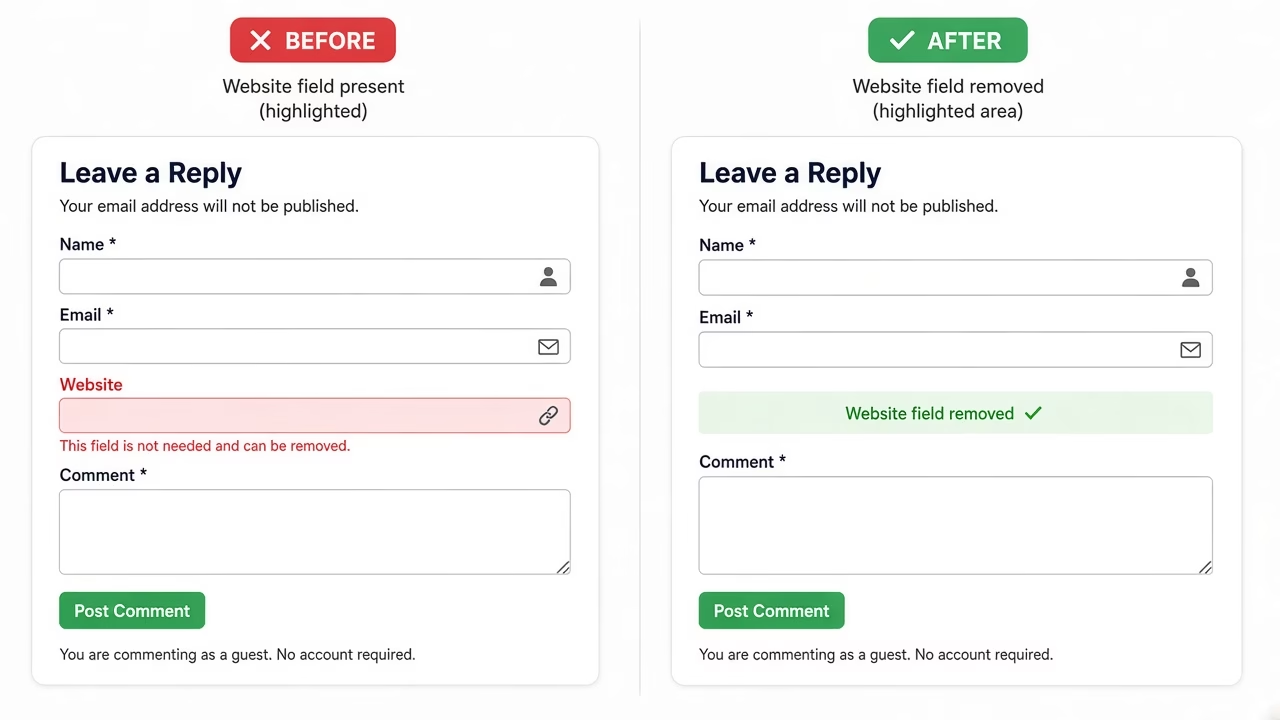
When you remove website field for comment form UIs, visitors still leave a name, email, and message. You simply stop inviting a free promotion slot in every discussion thread.
This change alone will not stop every bot. Automated spam can still paste links inside the comment text. Pair the field removal with moderation tools for better results.
Remove the Website Field Using PHP
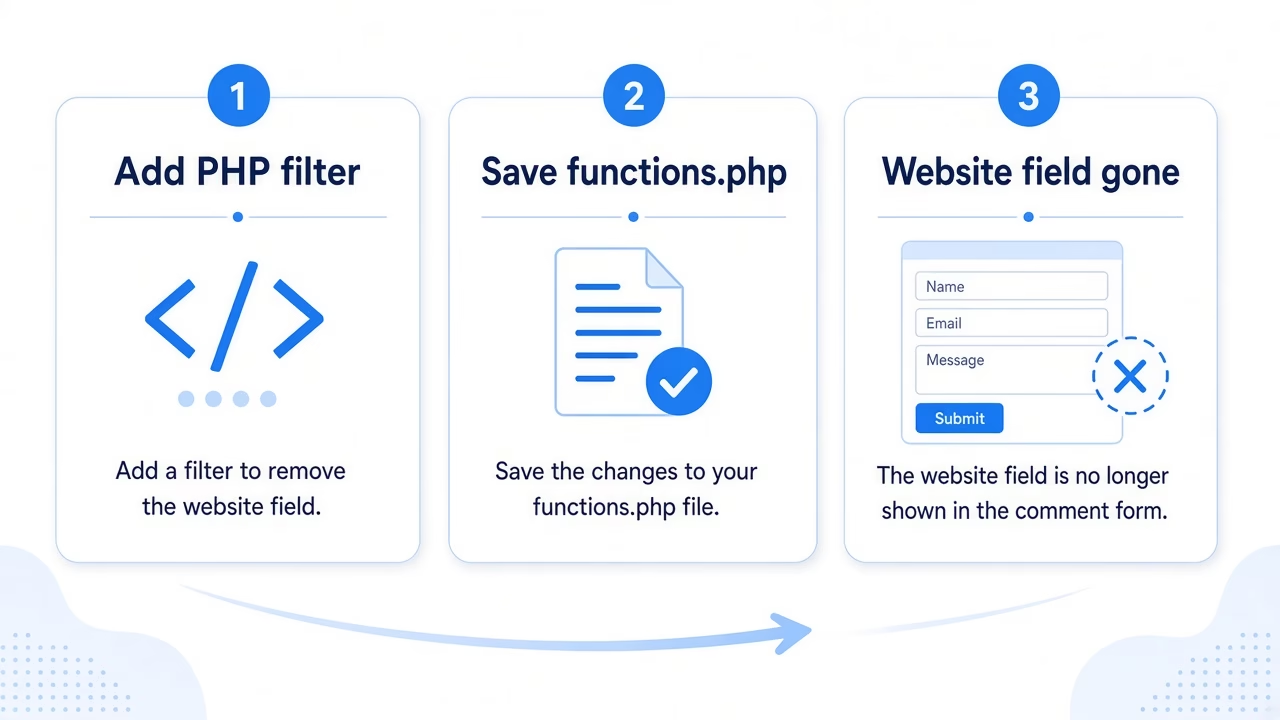
WordPress exposes the comment fields through the comment_form_default_fields filter. Unsetting the url key is the cleanest way to hide the Website input.
Add the following snippet to your child theme’s functions.php file, or place it in a small custom plugin so the change survives theme switches:
function asique_remove_comment_website_field( $fields ) {
    unset( $fields['url'] );

    return $fields;
}
add_filter( 'comment_form_default_fields', 'asique_remove_comment_website_field' );
Save the file, refresh a single post, and confirm the Website input is gone. Name, Email, and Comment should still submit normally.
Official WordPress developer docs for the filter live here: comment_form_default_fields.
Prefer a Code Snippets Plugin?
I usually drop PHP like this into a child theme functions.php, but on sites where I do not want to touch theme files I use a code snippets plugin instead (WPCode, Code Snippets, or similar).
Create a new PHP snippet, paste the same code, set it to run on the site front end (or admin-only when the snippet is for wp-admin), and activate it. Behavior matches functions.php, and you can turn the snippet off later without digging through theme files.
If the snippet only affects the editor or admin screens, choose an admin/backend location so it does not load on every public page view.
Where Should You Add the Code?
For a quick site-specific fix, use a child theme functions.php. If you change themes often, a tiny must-use or custom plugin is safer.
Avoid editing WordPress core files. Core updates overwrite those edits and create hard-to-track maintenance issues.
If you also want to rearrange Name, Email, and Comment, see our related guide on how to reorder comment form fields.
Test the Comment Form After the Change
Open any published post in a private or logged-out window and scroll to the comments area. You should see Name, Email, and Comment only.
Submit a short test comment, then check the Comments screen in wp-admin. Confirm the comment saves and that no Website value is stored for that entry.
If a page builder or theme overrides comment_form() with a custom template, re-check that template. The filter works on the default fields array WordPress passes into the standard comment form API.
Also clear object cache or a full-page cache plugin if the old form HTML still appears. Cached markup can make it look like the Website field is still there even after the PHP change is live.
Does Removing the Field Stop Comment Spam?
Removing the Website field discourages people who comment mainly to drop a URL. It does not block bots that inject links into the message body.
For stronger protection, enable comment moderation, require approval for new commenters, and use a trusted anti-spam service. WordPress also documents comment settings in the Comments in WordPress handbook.
You can improve the post-comment experience too—for example, show a custom message after posting a comment so users know their reply is pending review.
Some site owners also block obvious spam patterns with Akismet or similar tools, then keep human review for first-time commenters. That layered approach works better than relying on field removal alone.
Quick Checklist Before You Publish
After you remove website field for comment form markup with PHP, run through this short checklist:
- Clear any page/object cache and retest on a logged-out browser session.
- Submit a test comment to confirm required fields still validate.
- Check mobile layout so the remaining fields stay easy to tap.
- Keep spam filters active even after the Website field is gone.
- Confirm theme or builder templates are not hard-coding a Website input.
Need a cleaner admin area while you are tuning WordPress? You may also like removing unused WordPress dashboard widgets.
FAQ: Remove Website Field for Comment Form
Will this break threaded replies?
No. The filter only removes the URL field from the default fields array. Reply nesting and comment hierarchy stay the same.
Can I show the Website field for logged-in users only?
Yes, but that needs extra conditional logic around user capabilities. For most blogs, hiding the field for everyone is simpler and cleaner.
Is a plugin required?
No. The PHP filter is enough for the default WordPress comment form. Only use a plugin if your theme replaces the form with a custom builder widget that ignores the filter.
Common Mistakes When You Remove Website Field for Comment Form
One common mistake is editing the parent theme instead of a child theme. Parent theme updates wipe custom code, so the Website field can suddenly return after a routine update.
Another mistake is forgetting cache. If you still see the old form, purge cache and retest in a private window before changing more code.
Finally, do not remove the Email field while you remove website field for comment form controls. Email is often required for moderation, Gravatar, and reply notifications.
Related taxonomy cleanup on this blog: remove the Featured category from public category lists.
Conclusion
Conclusion: Learning how to remove website field for comment form pages is a fast win for cleaner discussions. One comment_form_default_fields filter is enough—no extra plugin required—and it pairs well with normal comment moderation for lasting spam control.