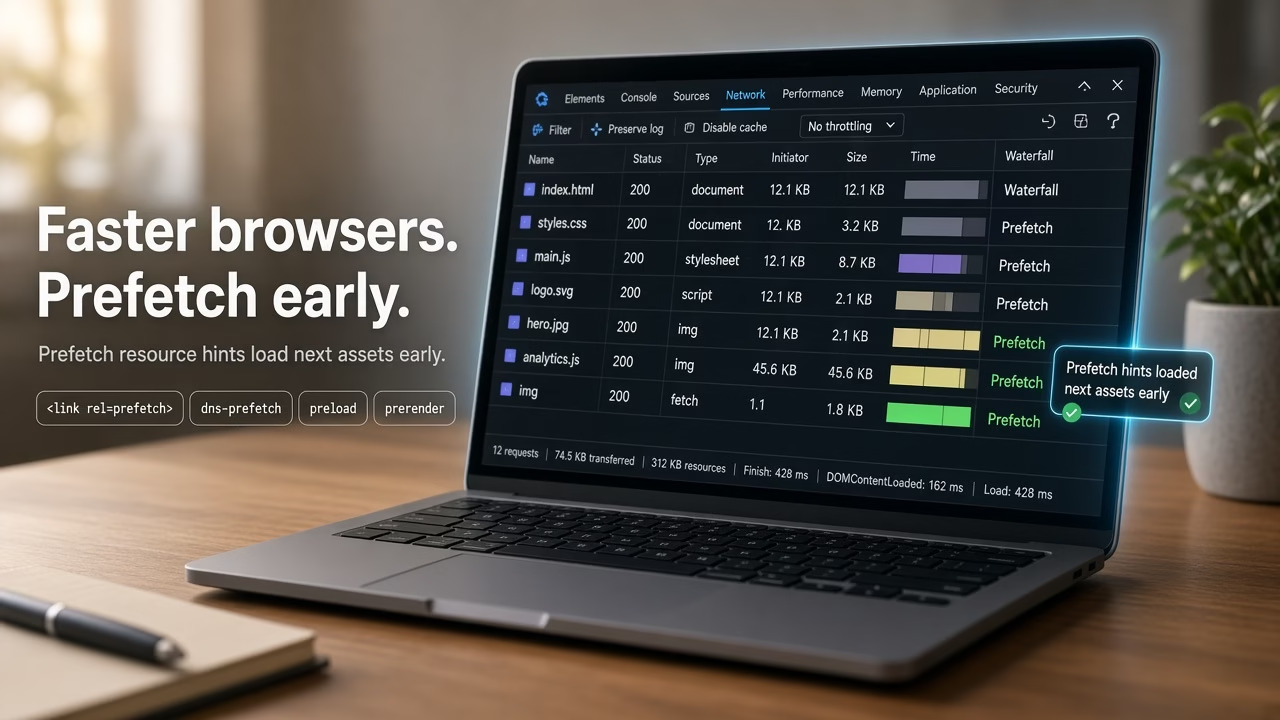
After preconnect, the next resource hint I reach for is prefetch in WordPress. Prefetch downloads a file the visitor is likely to need next—checkout scripts, a second stylesheet—so navigation feels snappier without blocking the current page.
Why use prefetch in WordPress
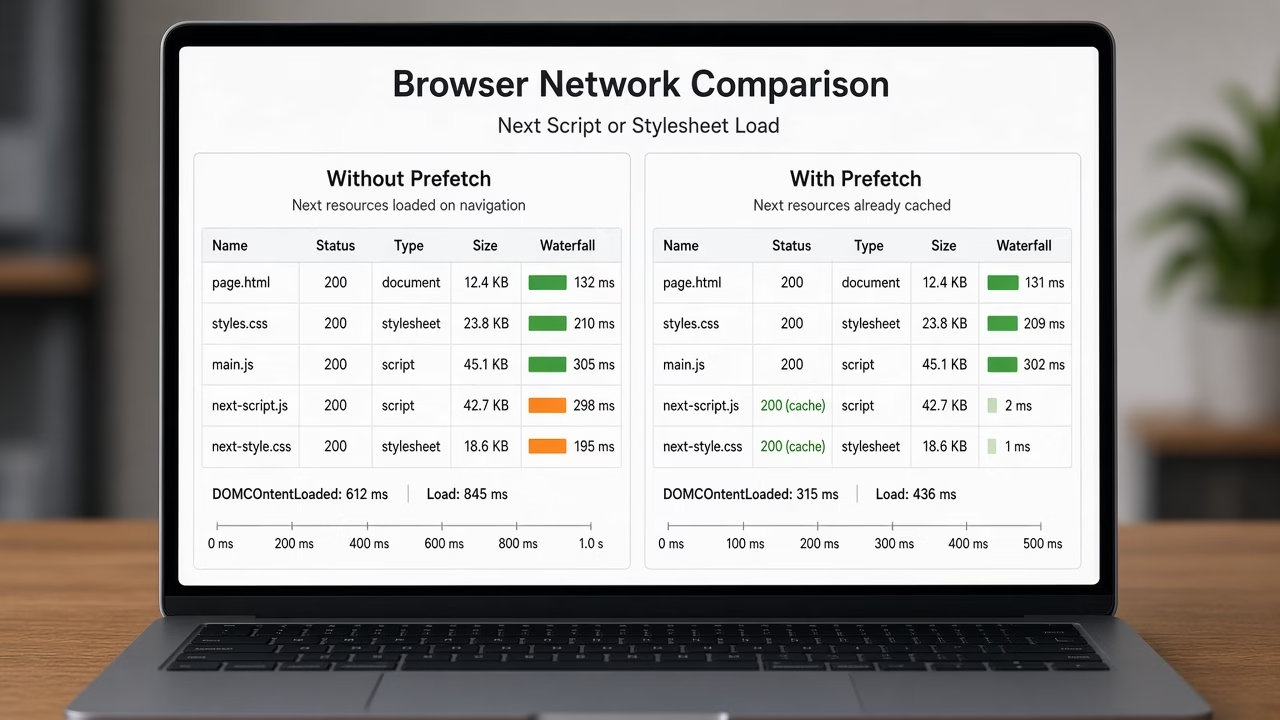
Preconnect only warms the connection. Prefetch goes further and fetches the resource into the browser cache (when the browser allows it). I use it for assets tied to the next step: cart → checkout, landing → pricing page CSS, or a heavy widget script that loads after interaction.
Prefetch resources with wp_resource_hints
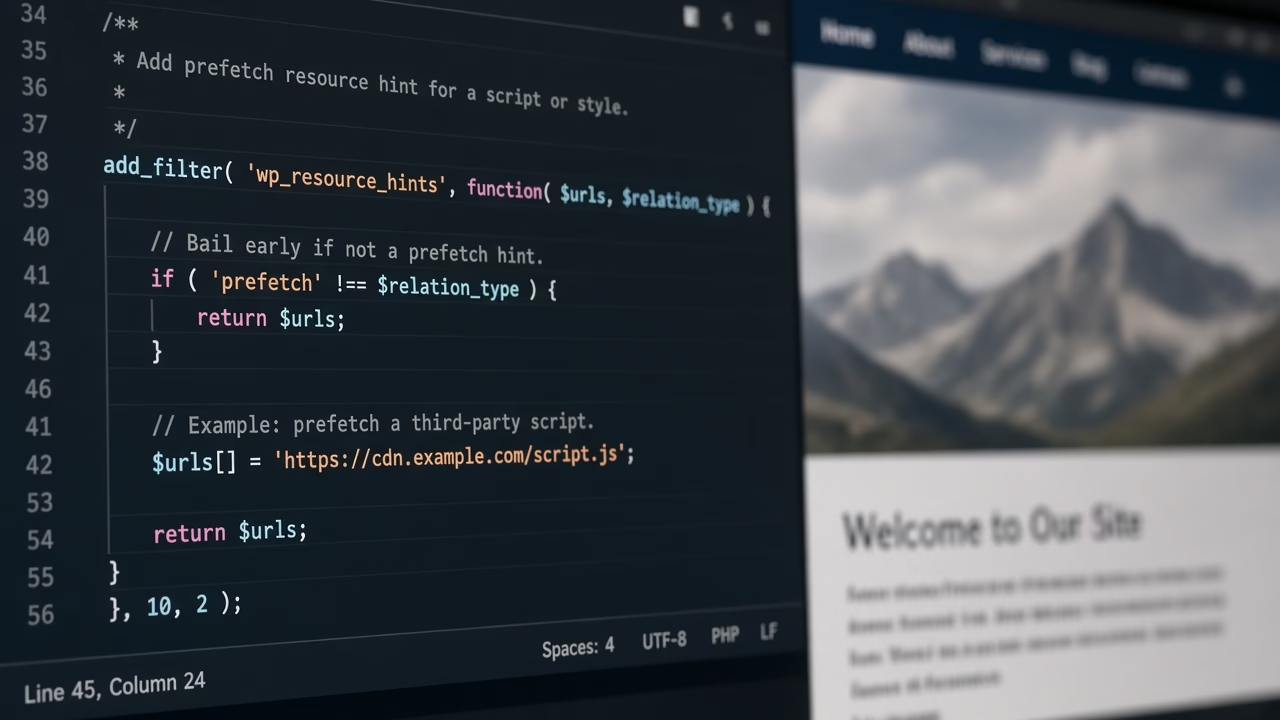
WordPress prints resource hints through wp_resource_hints. Filter the prefetch relation and pass an array with href and, when useful, as so the browser knows the resource type.
add_filter( 'wp_resource_hints', 'prefetch_custom_resources', 99, 2 );
function prefetch_custom_resources( $urls, $relation_type ) {
	if ( $relation_type == 'prefetch' ) {
		$urls[] = [
			'href' => 'https://cdn.example.com/js/checkout.js',
			'as'   => 'script',
		];

		$urls[] = [
			'href' => 'https://cdn.example.com/css/checkout.css',
			'as'   => 'style',
		];
	}

	return $urls;
}
Swap the example CDN URLs for files you actually need on the next view. After saving, check the page source for:
<link rel="prefetch" href="https://cdn.example.com/js/checkout.js" as="script">
Optional: dns-prefetch for hosts only
If you only need DNS resolution (not the full file), use dns-prefetch instead. Lighter than prefetch, weaker than preconnect.
add_filter( 'wp_resource_hints', 'dns_prefetch_custom_hosts', 99, 2 );
function dns_prefetch_custom_hosts( $urls, $relation_type ) {
	if ( $relation_type == 'dns-prefetch' ) {
		$urls[] = 'https://cdn.example.com';
		$urls[] = 'https://analytics.example.com';
	}

	return $urls;
}
Prefer a Code Snippets Plugin?
I usually drop PHP like this into a child theme functions.php, but on sites where I do not want to touch theme files I use a code snippets plugin instead (WPCode, Code Snippets, or similar).
Create a new PHP snippet, paste the same code, set it to run on the site front end (or admin-only when the snippet is for wp-admin), and activate it. Behavior matches functions.php, and you can turn the snippet off later without digging through theme files.
If the snippet only affects the editor or admin screens, choose an admin/backend location so it does not load on every public page view.
Quick checks
- Prefetch only assets for a likely next step—not every script on the site.
- Browsers may ignore prefetch on slow networks or data-saver modes.
- Use
aswhen the type is known (script,style,font,image). - Docs: wp_resource_hints.
FAQ
Prefetch vs preconnect—which should I use?
Preconnect opens the connection early. Prefetch downloads the file. Warm a CDN with preconnect; load a specific next-page asset with prefetch. I often use both on different hosts/files.
Will prefetch slow the current page?
Browsers treat prefetch as low priority. Still, avoid huge videos or unused bundles—wasted bandwidth helps no one.
Can I prefetch a full HTML page?
You can point href at a URL, but support and caching behavior vary. For most WordPress sites I stick to scripts, styles, or fonts I control.
Does this work with a caching plugin?
Yes in most cases—the hints sit in <head>. Purge cache after adding the snippet and confirm the rel="prefetch" tags in view-source.
Wrap-up
That is how I set up prefetch in WordPress: filter wp_resource_hints for the prefetch relation, pass real next-step assets with an as type, and keep dns-prefetch for host-only hints. Pair it with preconnect when the CDN handshake itself is the bottleneck.