Once a site has an SSL certificate, I still catch myself opening the plain http:// URL from an old bookmark. That is why I keep a short Apache snippet for redirecting HTTP to HTTPS in the site root .htaccess file—so every request lands on the secure version.
This is the same three-line rewrite I have used on cPanel and similar Apache hosts. Swap in your real domain before you save.
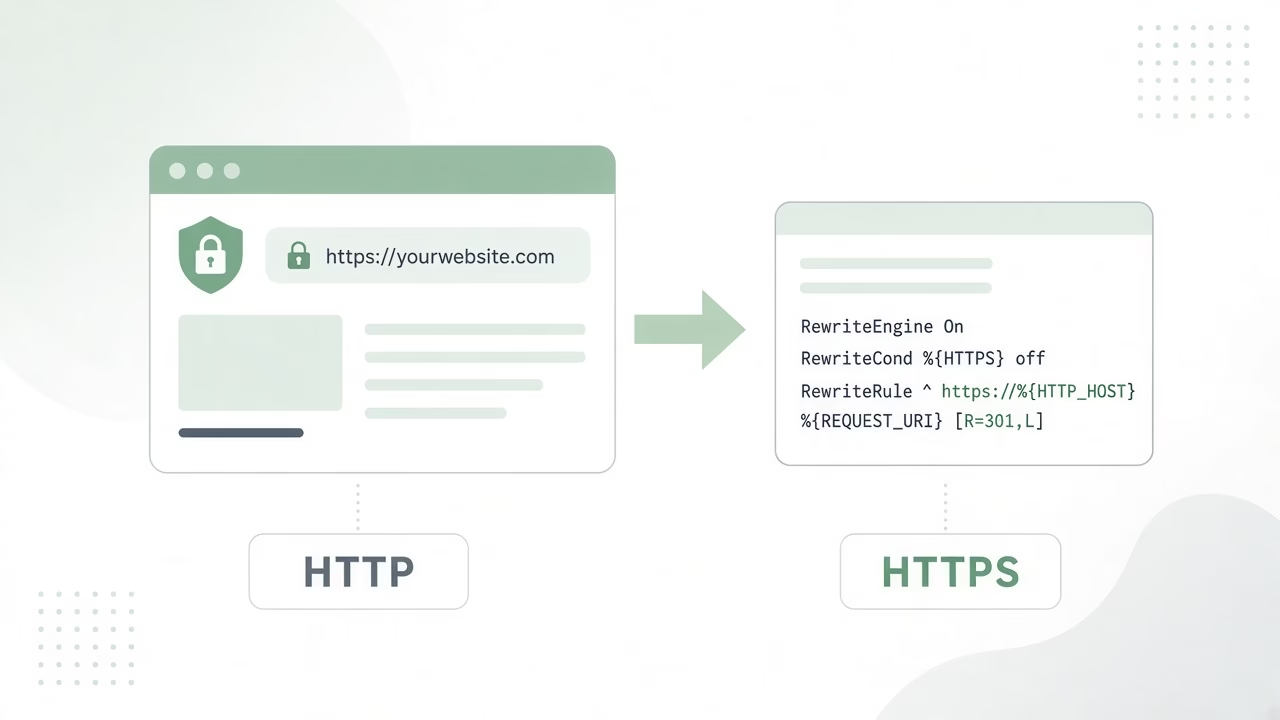
Why Bother Redirecting HTTP to HTTPS?
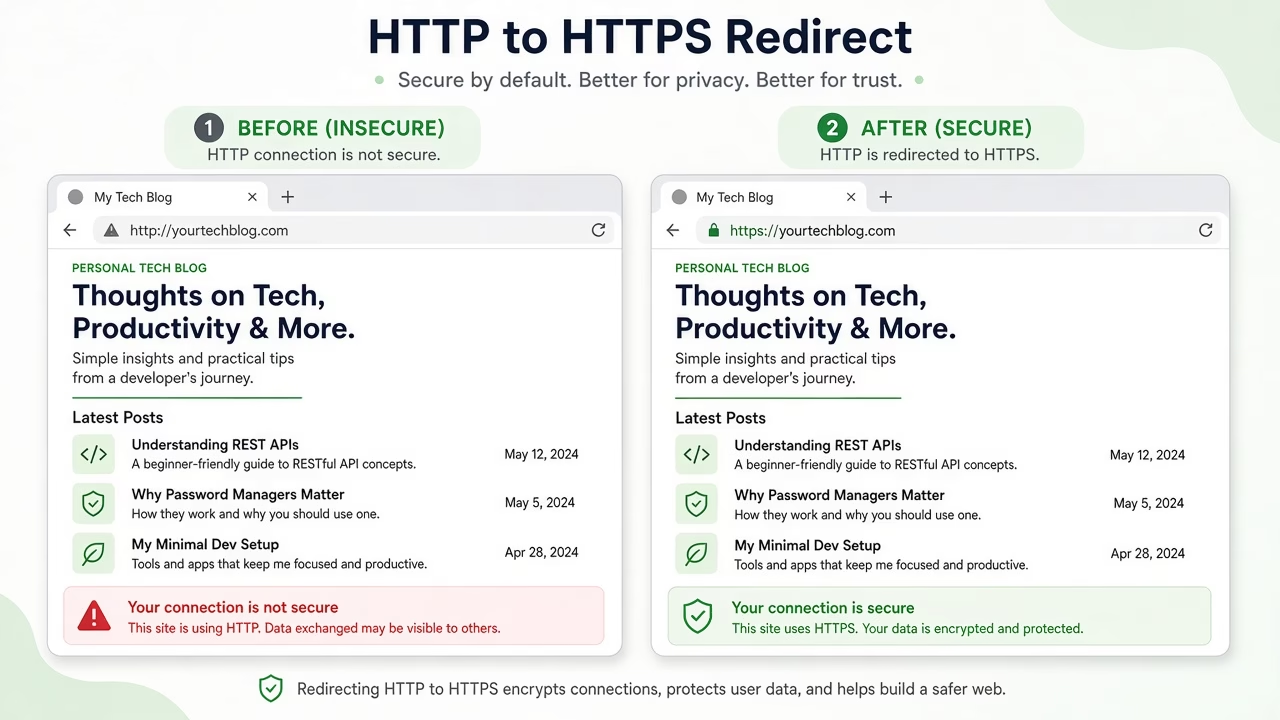
Browsers mark HTTP as “Not secure,” mixed content breaks more often, and search consoles prefer a single canonical scheme. A server-side 301/302 from port 80 is the cleanest fix I know—no plugin required for a basic static or WordPress site on Apache.
Related Apache notes on this blog: password protect a folder with .htaccess, exact URL redirects when changing a domain, and macOS localhost permissions for Apache when I am testing locally.
.htaccess Rule for Redirecting HTTP to HTTPS
Add this near the top of your root .htaccess (after any existing RewriteEngine On if one is already there—do not duplicate that line):
RewriteEngine On
RewriteCond %{SERVER_PORT} 80
RewriteRule ^(.*)$ https://www.yourdomain.com/$1 [R,L]
Replace www.yourdomain.com with your real host. If you do not use www, drop it and keep the apex domain consistent with how WordPress (or your CMS) is configured.
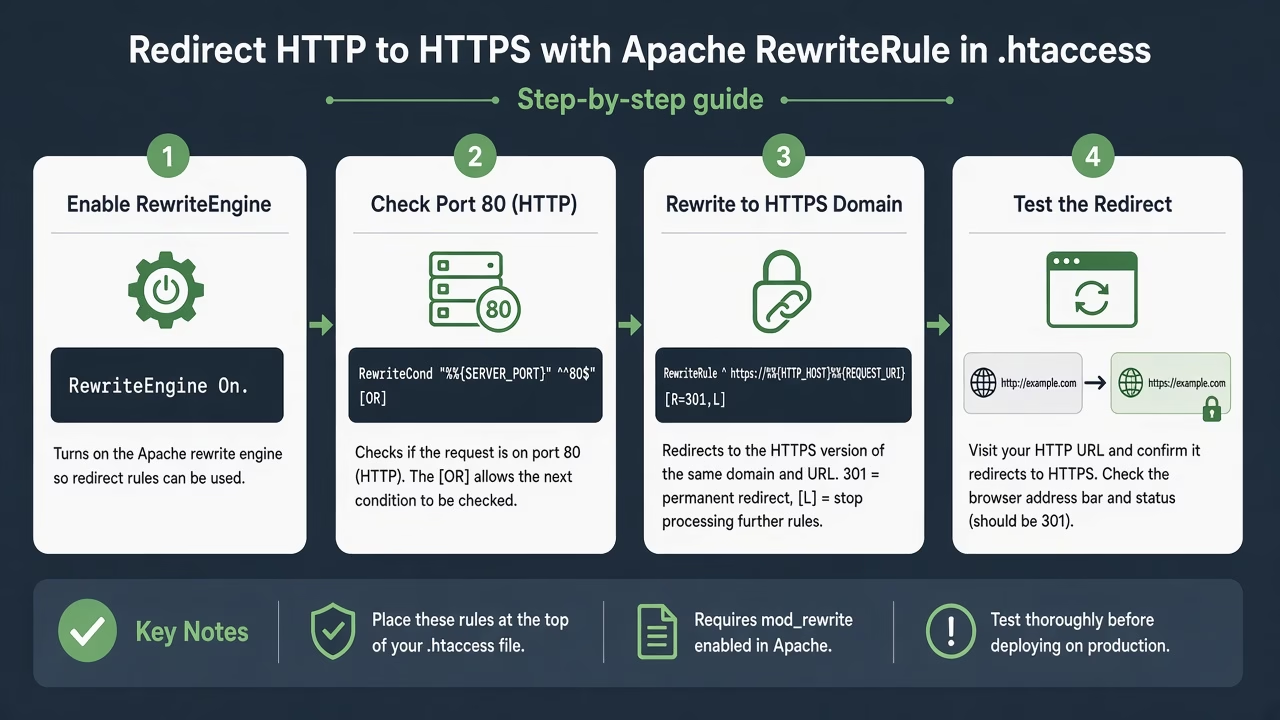
What Those Lines Do
RewriteEngine On— enables the rewrite module for this directoryRewriteCond %{SERVER_PORT} 80— only match plain HTTP requestsRewriteRule … [R,L]— send the browser to the HTTPS URL and stop processing further rules for this pass
For a permanent redirect that search engines treat as lasting, I often change the flags to [R=301,L]. The short [R,L] form is fine while testing.
Quick Checks After Redirecting HTTP to HTTPS
- Visit
http://yourdomain.comin a private window—you should land onhttps:// - Confirm WordPress Address / Site Address (or your CMS base URL) already use HTTPS so you do not create a redirect loop
- If nothing happens, ask the host whether
mod_rewriteandAllowOverrideare enabled for the site - Behind some proxies, port 80 detection differs—hosts sometimes recommend
%{HTTPS} offinstead ofSERVER_PORT
I also keep a note in my deploy checklist: force HTTPS at the host first when the panel offers “Force HTTPS,” then keep this .htaccess rule as a backup for older bookmarks and hardcoded HTTP links inside content.
That combination—panel setting plus redirecting HTTP to HTTPS in Apache—has saved me from mixed-content surprises after migrations more than once.
FAQ: Redirecting HTTP to HTTPS
Does this work on Nginx?
No. This exact rule is Apache .htaccess. Nginx needs a return 301 https://… (or similar) in the server block.
Will this break my site if SSL is missing?
Yes—you need a working certificate first. Install SSL, confirm HTTPS loads manually, then add the redirect.
www vs non-www?
Pick one canonical host and use it in the rewrite target and in your CMS settings. Mixing them creates extra hops.
Is a WordPress plugin required?
Not for this. Hosting-level or .htaccess redirecting HTTP to HTTPS is enough for most personal sites.
Conclusion
Need a reliable way of redirecting HTTP to HTTPS on Apache? Turn on the rewrite engine, match port 80, and send visitors to your HTTPS domain with a short .htaccess rule. Test in a private window, keep the canonical host consistent, and you are done.